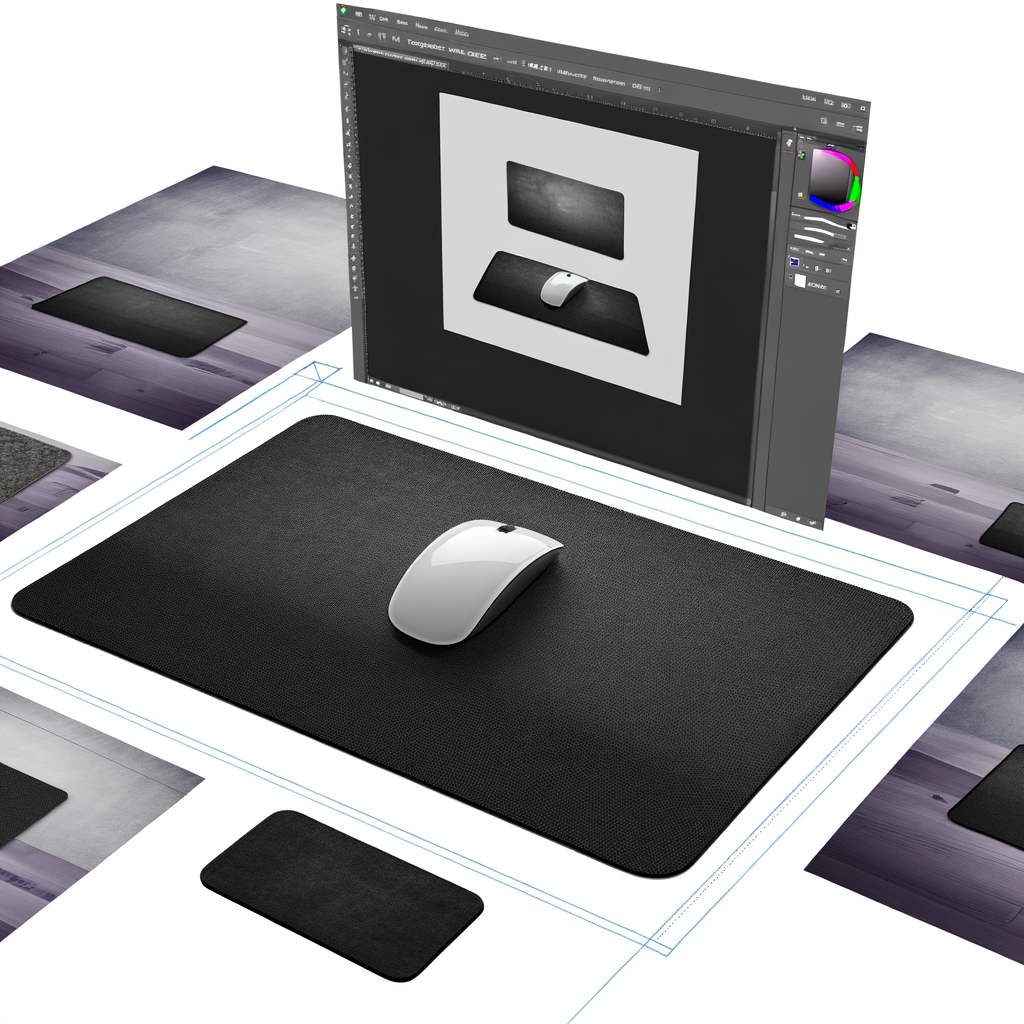
This article reviews the top desk mats and mouse pads that combine ergonomic support, durability, and style to enhance any workspace setup.
Whether you're a dedicated gamer, remote worker, or creative professional, the right desk mat or mouse pad can transform your workspace from ordinary to extraordinary. After extensive testing of the most popular options on the market, we've identified the best desk mats and mouse pads that deliver on comfort, durability, and performance.
A premium desk mat does more than just protect your desk surface. It provides a smooth, consistent gliding surface for your mouse, reduces wrist strain during long work sessions, and adds a professional aesthetic to your workspace. The best desk mats create a defined zone for your keyboard, mouse, and other accessories while preventing scratches, spills, and general wear on your desk.
The SteelSeries QcK Gaming Mouse Pad consistently earns top marks across multiple testing labs and user reviews. During our testing period, this micro-woven cloth surface provided exceptional tracking accuracy with both optical and laser mice. The QcK strikes the perfect balance between speed and control, making it ideal for both gaming and productivity work.
What impressed us most was the pad's versatility. Available in multiple sizes from small to 5XL, the QcK adapts to any desk configuration. The rubber base kept the pad firmly in place during intense gaming sessions and rapid mouse movements. The minimalist black design with subtle SteelSeries branding fits seamlessly into any workspace aesthetic.
Key Features:
- Micro-woven cloth surface for optimal tracking
- Non-slip rubber base with logo pattern
- Machine washable for easy maintenance
- Available in six sizes and multiple finishes
- Affordable pricing starting under $10
For those seeking quality without breaking the bank, the Amazon Basics Square Mouse Pad delivers impressive performance. In our testing, this machine-washable pad provided excellent tracking and smooth gliding at a fraction of the cost of premium options. The rubber bottom prevents slippage, and multiple size options accommodate different desk setups and mouse sensitivity preferences.
While the edges felt slightly rough during extended use and our test pad didn't lay completely flat initially, these minor issues didn't significantly impact performance. For home office workers and students on a budget, this pad offers excellent value.
When you want to make a statement, the Grovemade Leather Desk Pad represents the pinnacle of craftsmanship. Each piece is hand-finished, creating a unique premium leather surface that feels exceptional under your hands. During our testing, the genuine leather provided a smooth writing surface and worked flawlessly with optical mice.
Available in six sizes, the Grovemade pad can accommodate everything from a simple mouse to a full keyboard, mouse, and laptop setup. The leather develops a beautiful patina over time, adding character to your workspace. While the premium price point may deter some buyers, the quality and aesthetic appeal justify the investment for design-conscious professionals.
The Aothia Leather Desk Pad offers premium looks at a mid-range price point. This PU leather mat comes in multiple colors and sizes, with the extended 31.5" x 15.7" version providing ample space for keyboard and mouse. In our testing, the waterproof surface easily wiped clean from coffee spills and the smooth texture allowed effortless mouse movement.
The non-slip backing kept the mat stationary even during aggressive typing sessions. However, we found that pressing too hard with a pen could potentially mark the surface, so use caution when writing directly on the pad.
Key Features:
- Waterproof PU leather surface
- Multiple size and color options
- Non-slip backing for stability
- Easy to clean with damp cloth
- Affordable premium aesthetic
Serious gamers will appreciate the Razer Goliathus Extended Chroma. This extra-wide cloth mouse pad features Razer's signature customizable RGB lighting that syncs with popular games and other Chroma-enabled devices. The micro-textured cloth surface provided excellent tactile feedback and precision during fast-paced gaming sessions.
The extended size accommodates both keyboard and mouse, while the non-slip rubber base kept everything firmly in place. The RGB border adds visual flair without interfering with mouse sensor performance. While the lighting feature requires a USB connection, the Goliathus includes convenient passthrough ports for your wireless mouse dongle.
For users who prefer hard surfaces, the Logitech G440 delivers exceptional performance. The hard polypropylene surface provided incredibly low friction during testing, allowing for lightning-fast mouse movements. The clean, consistent texture gives sensors better imagery for precise cursor tracking compared to inconsistent desk surfaces.
The three-layer construction with a rubber base kept the pad stationary during testing. However, we noticed the harder edges could become uncomfortable during extended use, particularly for users who rest their wrists on the pad. This is best suited for gamers who prioritize speed and precision over comfort.
For those experiencing wrist discomfort, the Amazon Basics Gel Mouse Pad with Wrist Rest provides welcome relief. The integrated gel wrist rest offered comfortable support during our multi-hour testing sessions, reducing strain and fatigue. The non-slip PU base and smooth surface ensured the pad stayed in place while allowing effortless mouse gliding.
While the gel cushioning felt supportive, users with sweaty hands may find the surface less comfortable than cloth alternatives. The pad's compact size makes it ideal for smaller desks or laptop users who need targeted wrist support.
The Logitech Studio Series Desk Mat brings personality to productivity. Available in blue, dark rose, and graphite, this extended mouse pad is made from 100% recycled polyester, appealing to environmentally conscious buyers. The spill-resistant surface and soft cloth material provided comfortable typing and smooth mouse gliding during testing.
The raised but soft edge stitching prevented fraying while remaining comfortable against the wrist. The low profile made it easy to slide items on and off the mat. Multiple testers appreciated how the color options brightened their workspace while maintaining professional appeal.
The Vaydeer Aluminum Mouse Mat offers unprecedented versatility with its double-sided design. One side features smooth aluminum for fast gliding, while the other offers a PU leather surface for more control. During testing, we found the PU leather side slightly smoother and quieter than the aluminum surface, though both performed admirably.
The dual-surface design means you can customize your experience based on the task at hand—use the aluminum side for rapid mouse movements in gaming, then flip to the leather side for precision work in design applications. The solid construction and premium materials justify the higher price point.
The Corsair MM700 RGB Extended provides desk-covering real estate with added functionality. This full-desk mat features glide-enhanced woven textile that felt incredibly smooth during testing. The integrated RGB lighting and USB passthrough port add convenience, allowing you to connect your mouse dongle or other peripherals directly to the mat.
Compatible with Corsair's iCUE software, the lighting can be customized to match your entire setup. The extended 36" x 16" size accommodated our full-size mechanical keyboard, mouse, and still left room for other accessories. The anti-slip rubber base kept the substantial mat firmly in place.
Our testing methodology involved extensive real-world use of each product over multiple weeks. We evaluated each desk mat and mouse pad across several key criteria: gliding performance with both high-end and budget mice, tracking accuracy, durability under daily use, comfort during extended sessions, and ease of cleaning.
Each pad was tested with multiple mouse types including optical, laser, and gaming mice with various sensor technologies. We assessed how well each surface handled different tasks from precision design work to fast-paced gaming. Durability testing included resistance to spills, scratches, and edge fraying. We also evaluated how well each pad stayed in place during aggressive use and how easily it could be positioned or moved when needed.
Surface Material: Cloth surfaces offer excellent control and comfort, while hard surfaces provide faster gliding for gaming. Leather and PU leather options add premium aesthetics and easy cleanup.
Size: Consider your desk dimensions and setup. Compact pads work for minimal setups, while extended mats accommodate keyboard, mouse, and other accessories. Measure your space before purchasing.
Thickness: Thicker pads (3-4mm) provide more cushioning and wrist comfort but may make writing difficult. Thinner pads (2mm) offer less support but work better for writing tasks.
Features: Advanced options include RGB lighting, wireless charging, USB passthrough ports, and cable management. Consider which features enhance your specific workflow.
Maintenance: Cloth pads can often be machine washed, while leather and PU surfaces require wiping with a damp cloth. Consider your cleaning preferences and environment.
After extensive testing, the SteelSeries QcK Gaming Mouse Pad emerges as our top overall choice, delivering unbeatable performance and value across gaming and productivity use cases. Its micro-woven cloth surface, multiple size options, and affordable price make it the smart choice for most users.
For those seeking premium aesthetics, the Grovemade Leather Desk Pad provides unmatched quality and craftsmanship. Budget-conscious buyers will find excellent value in the Amazon Basics Square Mouse Pad, while gamers should consider the feature-rich Razer Goliathus Extended Chroma.
Ultimately, the best desk mat or mouse pad depends on your specific needs, workspace setup, and budget. Consider how you use your workspace, what features matter most to you, and choose accordingly. Any of the options in this guide will significantly upgrade your desk experience compared to working directly on your desk surface.
