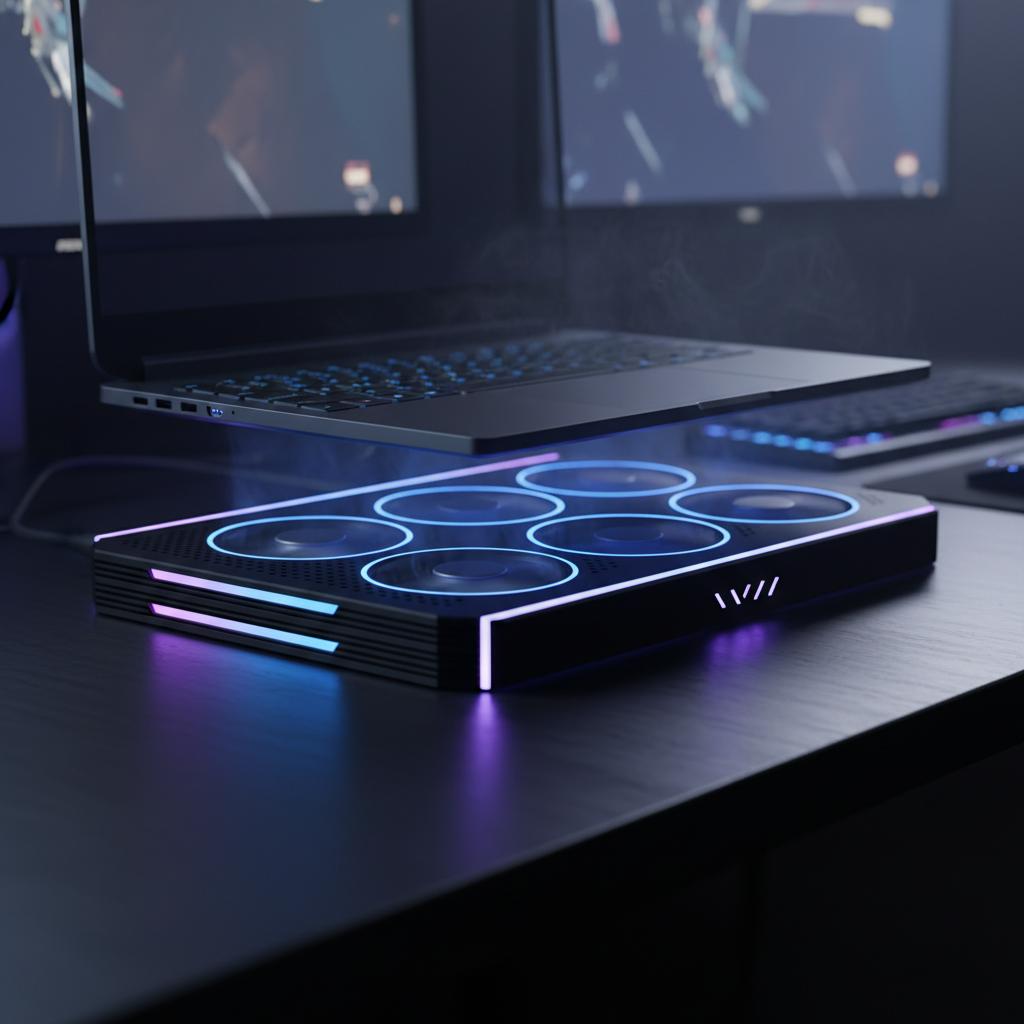
This survey evaluates the top laptop cooling pads and thermal management accessories that keep your machine running cool during intensive work sessions, gaming marathons, and video production.
Heat is the silent killer of laptop performance. Whether you are rendering 4K video, pushing high frame rates in the latest AAA games, or simply trying to multitask on a Zoom call, thermal throttling can bring your productivity to a halt. As mobile processors become more powerful, the need for effective thermal management has never been greater. In fact, the laptop cooling pad market is projected to reach $780 million by 2025, driven by a surge in gaming laptop sales and the demands of remote work.
While modern laptops often feature advanced internal cooling like vapor chambers and liquid metal thermal paste, external active cooling remains one of the most effective ways to lower temperatures by 10 to 20 degrees Celsius. In this guide, we evaluate the best laptop cooling pads available in 2025, ranging from budget-friendly active fans to premium sealed-chamber solutions.
For most users, the Kootek Laptop Cooling Pad offers the perfect balance of performance, noise level, and price. It utilizes a five-fan architecture to deliver comprehensive airflow across the entire bottom chassis of your laptop. A large 120mm fan sits in the center to target the CPU and GPU area, while four smaller 70mm fans cool the peripherals and drives.
One of the standout features of the Kootek is its customizability. It includes two on/off switches that allow you to control which fans are active—you can run just the large fan, the four small fans, or all five simultaneously. This flexibility is excellent for managing noise, though 93% of users report the unit is whisper-quiet even at full power. Additionally, the ergonomic design features six adjustable height settings, making it easy to find a comfortable typing angle that relieves neck strain.
Buy the Kootek Laptop Cooling Pad on Amazon
If you are looking for the absolute cutting edge in thermal management, the Razer Laptop Cooling Pad represents a significant leap forward in technology. Unlike traditional pads that simply blow air upwards, Razer uses an airtight pressure chamber with flexible foam seals. This creates a closed system that forces high-velocity air directly into your laptop’s intakes without leakage.
The device features Razer Hyperboost technology and a 140mm brushless fan capable of spinning up to 3000 RPM. It also includes "smart cooling" features that automatically adjust fan speeds based on system temperatures, ensuring you get maximum cooling only when you need it. While it carries a premium price tag of around $149.99, it is designed for enthusiasts who want to sustain higher power limits on high-end gaming rigs.
Buy the Razer Laptop Cooling Pad on Amazon
Not everyone needs a high-tech pressure chamber or RGB lighting. The Havit HV-F2056 is a streamlined, ultra-portable solution that has remained a top seller for years due to its reliability and low profile. Weighing only 1.6 lbs and measuring barely over an inch thick, it is the ideal travel companion for digital nomads.
The Havit uses three large 110mm fans spinning at roughly 1,100 RPM. This configuration provides a consistent airflow of 65 CFM while remaining exceptionally quiet. It fits laptops ranging from 15.6 to 17 inches and doubles as an ergonomic stand with two height settings. If you need a simple, effective solution to keep your lap cool while working on the couch or in a coffee shop, this is the best budget pick.
Buy the Havit HV-F2056 on Amazon
Buy the Havit HV-F2056 on Walmart
The IETS GT300 takes a different approach to cooling than most standard mesh pads. Similar to the premium Razer option, the GT300 utilizes a rubber sealing ring and a powerful industrial-grade blower to pressurize the air beneath your laptop. This method forces cool air through the machine with high static pressure, which is far more effective for thick gaming laptops with dense internal heatsinks.
A unique benefit of the IETS GT300 is its dust filtration system. It comes equipped with two removable air filters that catch dust before it enters your laptop internals, potentially extending the lifespan of your machine. Users report massive temperature drops of up to 25°C during heavy gaming. However, be aware that the high-speed blowers can be louder than standard fans, making this a tool for performance-first users who likely wear noise-canceling headphones.
Finding a cooling pad that fits a 19-inch workstation or enthusiast laptop can be difficult. The Thermaltake Massive 20 RGB is built specifically for these behemoths. It features a single, massive 200mm fan. Because the fan is so large, it can move a significant volume of air (64 CFM) at lower RPMs, keeping the operation silent while cooling the entire surface area of large devices.
As the name suggests, it also features a 256-color RGB lighting strip around the edge with five different lighting modes (Wave, Pulse, Spectrum, etc.), allowing it to blend seamlessly into a gaming battlestation. It is ergonomic, sturdy, and powered directly via USB, making it a functional and aesthetic upgrade for desktop replacement laptops.
Buy the Thermaltake Massive 20 RGB on Amazon
As we move through 2025, cooling technology is evolving beyond simple fans. We are seeing the rise of semiconductor and thermoelectric cooling (Peltier) plates, such as those found in the EvoFox Blizzard series, which physically refrigerate the contact surface rather than just blowing air. Additionally, new solid-state cooling solutions like Frore Systems' AirJet chips are beginning to appear, offering active heat removal with no moving parts.
When selecting a cooling pad, keep the following factors in mind:
Whether you choose a budget-friendly air cooler or a high-tech pressure chamber, investing in thermal management is the cheapest way to extend the life of your laptop and ensure peak performance.
