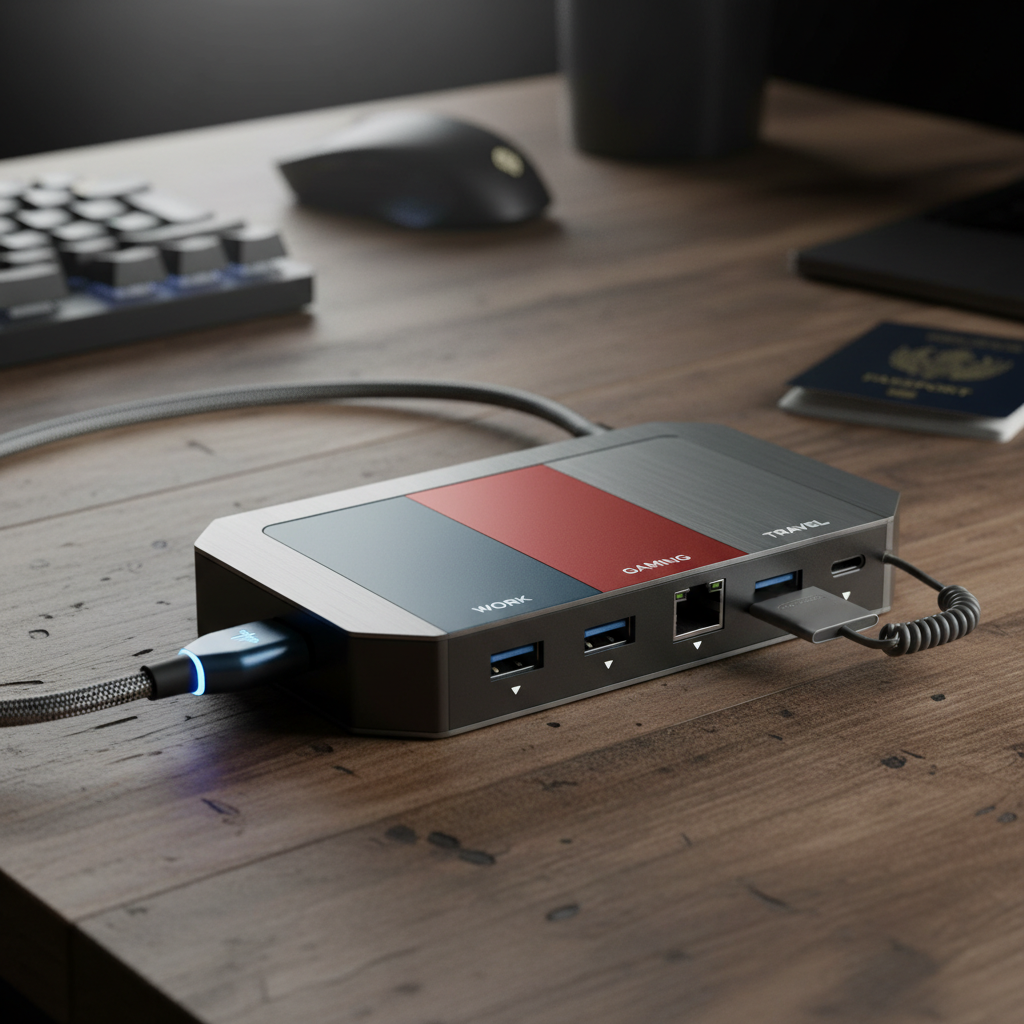
Discover the top-rated laptop docking stations of 2025. We review the latest Thunderbolt 5 powerhouses, reliable Thunderbolt 4 workhorses, and versatile budget options to optimize your workspace connectivity.
In 2025, the laptop docking station market has undergone a significant transformation with the arrival of Thunderbolt 5. While Thunderbolt 4 remains a gold standard for most professionals, the new generation brings faster charging, higher data rates, and unparalleled support for high-resolution displays. Whether you are a creative professional needing dual 8K monitors, a gamer seeking high refresh rates, or a remote worker looking for a tidy desk setup on a budget, there is a dock designed for your specific needs.
We have researched and compared the top docking stations across different price points and connection types. Below, you will find our top five picks for 2025, ranging from premium Thunderbolt 5 powerhouses to innovative budget-friendly USB-C options.
If you are looking for the absolute best connectivity money can buy in 2025, the CalDigit TS5 Plus is the undisputed king. Building on the legacy of the widely acclaimed TS4, this Thunderbolt 5 dock pushes performance to the limit. It is designed for power users who refuse to compromise on speed or port selection.
The TS5 Plus features an astounding 20 total ports. It supports up to 140W charging for your host laptop, which is crucial for high-performance MacBooks and Windows machines. Additionally, it offers up to 36W charging for secondary devices, ensuring your phone or tablet stays powered up. For visual creatives, it can handle dual 8K displays at 60Hz each or triple 4K displays at 144Hz, making it a future-proof investment.
Key Specs:
While the price point is premium, sitting at $499, no other dock rivals the quality and quantity of connections provided here.
Buy the CalDigit TS5 Plus on Amazon
For gamers and users with powerful Thunderbolt 5 Windows laptops, the Anker Prime TB5 is built for speed and serious multitasking. This dock is not just about expanding ports; it is about maximizing throughput for a lag-free experience.
The Anker Prime TB5 delivers up to 140W of power via the upstream port, ensuring that even power-hungry gaming laptops remain charged during intense sessions. It supports up to 8K resolution at 60Hz for a single monitor or dual 8K setups, providing crisp visuals for gaming or content creation. The 14-in-1 design means you have enough extra ports for all your peripherals, from high-speed external SSDs to gaming mice and keyboards.
Key Specs:
Buy the Anker Prime TB5 Dock on Amazon
Not everyone needs the bleeding-edge speeds of Thunderbolt 5 just yet. For many users, Thunderbolt 4 is still the sweet spot between performance and price. The Plugable TBT4-UDZ stands out as the best value option in this category, offering a robust feature set for $100 less than its premium competitors.
This 16-in-1 station is a work-from-home dream. It features dual HDMI and dual DisplayPort connections, allowing for flexible multi-monitor setups without the need for extra adapters. It provides 100W charging and includes a 2.5G Ethernet port, making it ideal for stable internet connections. Users love it for its simple reliability—it has every plug needed for a dual-monitor setup and works seamlessly with Mac and Windows.
Key Specs:
Buy the Plugable TBT4-UDZ on Amazon
Docking stations often look like utilitarian bricks, but the Dell Dual Charge Dock HD22Q breaks the mold with a fabric-wrapped design that serves a dual purpose. Priced typically under $100, this is our top pick for budget-conscious users who want maximum functionality.
The standout feature of the HD22Q is its integrated Qi wireless charging stand. You can prop up your smartphone or earbuds to charge wirelessly while the dock simultaneously powers your laptop with up to 90W of delivery. It is also one of the first docks to feature an HDMI 2.1 port, supporting 4K HDR at 120Hz. Its compact footprint makes it perfect for smaller desks.
Key Specs:
Buy the Dell Dual Charge Dock HD22Q on Amazon
If you are looking to save desk space and improve ergonomics, the Anker 675 offers a clever hybrid design. It combines a robust docking station with a monitor stand, elevating your screen to eye level to reduce neck strain.
This "cable management heaven" hides all your connections underneath the stand, keeping your workspace incredibly clean. It features a 100W USB-C upstream port for your laptop, along with two USB-C PD ports and three USB-A ports for peripherals. Like the Dell option, it also includes a wireless charging pad for your phone. It is the ultimate solution for cramped desks where every square inch matters.
Key Specs:
Buy the Anker 675 Docking Station on Amazon
When choosing a dock this year, consider the longevity of your purchase. While a Thunderbolt 3 or USB-C dock might suffice for casual tasks, investing in Thunderbolt 4 or 5 ensures compatibility with future devices. If you use a MacBook Pro or a high-end gaming laptop, look for Power Delivery of at least 100W—anything less might drain your battery during intensive tasks.
Whether you choose the future-proof CalDigit TS5 Plus or the clever Anker 675 Stand, upgrading your dock is the single best way to transform a laptop into a powerful desktop workstation.
