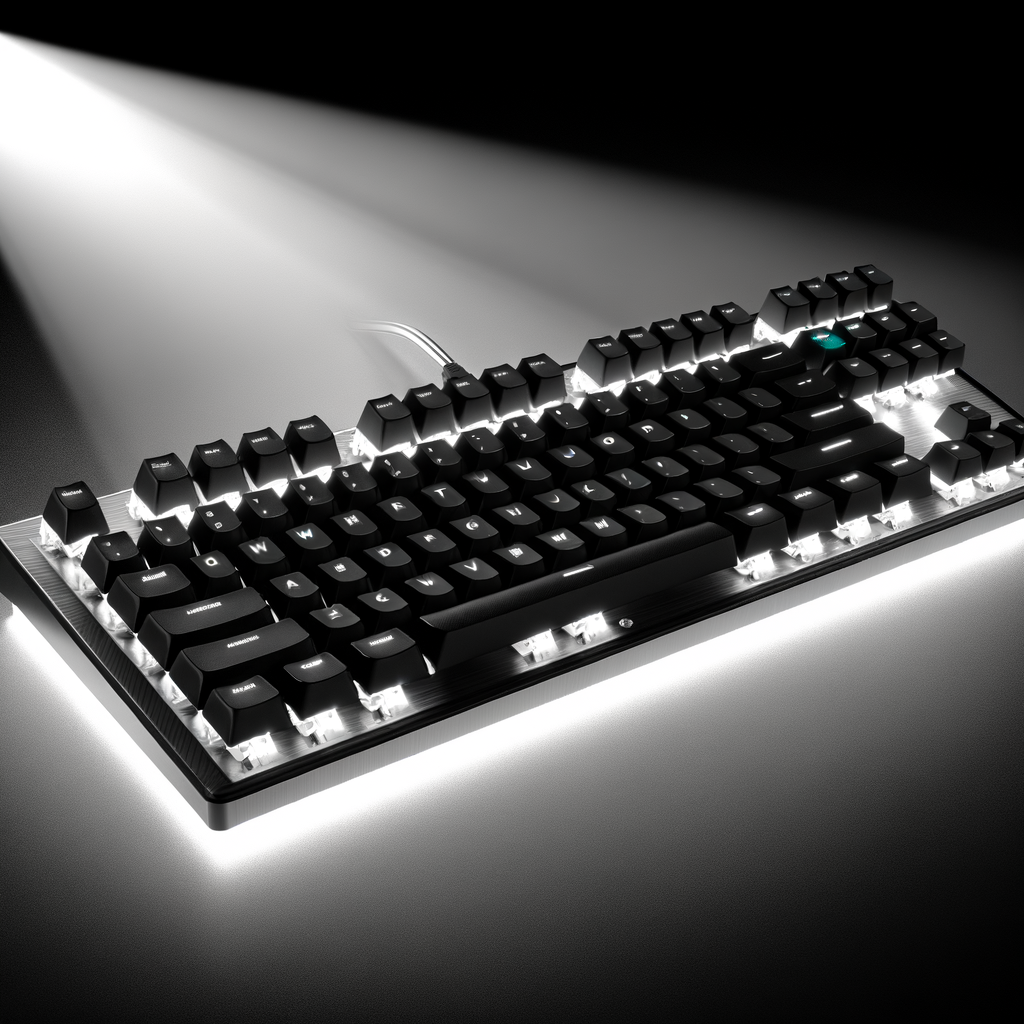
We break down the best mechanical keyboards for a range of users.
Finding the perfect mechanical keyboard can transform your daily computing experience, whether you're writing code for hours or competing in intense gaming sessions. With countless options flooding the market in 2025, choosing the right keyboard requires understanding switch types, build quality, and features that matter most for your specific needs.
Mechanical keyboards offer significant advantages over traditional membrane keyboards. Each key features its own individual mechanical switch, providing tactile feedback, improved durability, and a more satisfying typing experience. For programmers who spend 8+ hours daily at their keyboards, these benefits translate to reduced fatigue and increased productivity. Gamers benefit from faster response times and more precise control.
The switch type is arguably the most important factor when selecting a mechanical keyboard. There are three main categories:
Linear switches provide smooth, consistent keystrokes without any tactile bump or audible click. Popular examples include Cherry MX Red and Cherry MX Black switches. These switches are favored by gamers for their fast actuation and by those who prefer a quieter typing experience. Cherry MX Reds require just 45 grams of actuation force, making them ideal for rapid keystrokes, while Cherry MX Blacks require 60 grams for a firmer feel.
Tactile switches feature a noticeable bump at the actuation point, providing feedback without producing loud clicking sounds. The Cherry MX Brown is the most popular tactile switch, offering an excellent hybrid experience for both gaming and typing. These switches are perfect for office environments where Cherry MX Blues would be too loud, yet still provide the satisfying feedback that improves typing accuracy.
Clicky switches deliver both tactile feedback and an audible click sound with each keystroke. Cherry MX Blue switches are the gold standard for typing enthusiasts, offering loud, clear clicks that confirm each actuation. However, these switches can be disruptive in shared workspaces, so consider your environment before choosing them.
The Keychron Q1 Pro stands out as the best mechanical keyboard for most users. This 75% layout keyboard features a premium aluminum construction, hot-swappable switches, and wireless connectivity via Bluetooth 5.1. The keyboard supports both QMK and VIA firmware, allowing deep customization of key mappings and macros. Out of the box, it delivers outstanding build quality and exceptional typing comfort. While not a budget option, the Q1 Pro offers tremendous value for its feature set and build quality.
For gamers who want the absolute best performance, the Corsair K100 RGB delivers with its premium aluminum frame and Cherry MX Speed switches. The keyboard features Corsair's AXON Hyper-Processing Technology with up to 4,000Hz polling rate for lightning-fast response times. The iCUE control wheel provides convenient media controls, and the PBT double-shot keycaps ensure long-lasting durability. With per-key RGB lighting and comprehensive customization software, the K100 justifies its premium price tag for serious gamers and power users.
The ASUS ROG Azoth represents the intersection of gaming keyboards and enthusiast-grade customization. This 75% wireless keyboard features a gasket-mount design previously found only in expensive custom keyboards, hot-swappable ROG NX switches, and a unique 2-inch OLED display for settings visualization. The keyboard comes with a complete DIY kit including a lubing station, switch puller, and Krytox lube. The pre-lubed stabilizers deliver smooth performance on larger keys, and the tri-mode connectivity (Bluetooth, 2.4GHz, wired) offers maximum flexibility. Battery life exceeds 2,000 hours with RGB and OLED disabled.
The Keychron Q5 Max offers a compact 96% layout that includes a number pad while maintaining a smaller footprint than full-size keyboards. This wireless keyboard features premium aluminum construction, hot-swappable switches, and extensive sound dampening for a quiet typing experience. The Q5 Max excels for programming with its excellent build quality and customizable layout via QMK/VIA software. Programmers appreciate the tactile switches and ergonomic design that reduces fatigue during long coding sessions.
The Keychron K8 Pro brings high-end features to an accessible price point. This tenkeyless (TKL) wireless keyboard includes hot-swappable switches, comfortable PBT keycaps, dense damping foam, and full QMK/VIA programmability. The K8 Pro delivers exceptional value, offering features typically found in much more expensive keyboards. It's the perfect entry point for those new to mechanical keyboards who want room to grow and customize.
The Razer Huntsman Mini packs serious gaming performance into a 60% form factor. Featuring Razer's optical switches for lightning-fast actuation, durable PBT keycaps, and full RGB customization, this ultra-compact keyboard saves valuable desk space while maintaining all essential gaming functionality. The Huntsman Mini measures just 4.07 x 11.56 x 1.45 inches, making it ideal for small setups or travel. The optical switches deliver impressive actuation speeds that competitive gamers demand.
The Keychron V1 Max offers excellent value with a 75% layout and both wired and wireless connectivity. It's specifically designed to work seamlessly with Mac, Windows, and Linux systems. The V1 Max includes hot-swappable switches, RGB backlighting, and gasket-mounted design for comfortable typing. At its mid-range price point, it represents one of the best values for Mac users who want a quality mechanical keyboard.
For those who prefer a slimmer profile, the Keychron K3 delivers mechanical switch performance in a compact, low-profile design. The keyboard sits lower to the ground, reducing wrist strain while maintaining the satisfying feel of mechanical switches. It offers a 75% layout, white backlight, and can pair with up to three devices simultaneously. With up to 30 hours of battery life with backlighting enabled, the K3 excels as a portable mechanical keyboard.
Premium mechanical keyboards feature aluminum construction, which adds weight and stability while providing a more premium feel. Keyboards with aluminum cases typically cost more but offer superior durability and improved acoustics. Plastic cases can still provide good value, especially in budget-friendly options.
Hot-swappable keyboards allow you to change switches without soldering, making it easy to experiment with different switch types or replace worn switches. This feature adds tremendous value and extends the keyboard's lifespan significantly.
PBT (polybutylene terephthalate) keycaps are superior to ABS (acrylonitrile butadiene styrene) keycaps. PBT keycaps resist shine and wear better over time, maintain their texture longer, and often feature a more premium feel. Double-shot PBT keycaps, where legends are molded rather than printed, offer the best durability.
Wireless keyboards offer flexibility and cleaner desk setups. Look for keyboards supporting Bluetooth 5.1 or 2.4GHz wireless connections. Many premium keyboards offer tri-mode connectivity (Bluetooth, 2.4GHz, and wired USB-C) for maximum versatility. Battery life varies widely, with some keyboards lasting weeks or months on a single charge.
Keyboard sizes range from full-size (100%) to compact options. Full-size keyboards include the number pad, TKL (tenkeyless) keyboards remove the number pad, 75% keyboards condense the layout while keeping most keys, and 60% keyboards eliminate function rows and arrow keys. Programmers often prefer 75% or TKL layouts that save desk space while maintaining frequently-used keys.
QMK and VIA are open-source firmware platforms offering extensive customization. Commercial software like Corsair's iCUE or Razer Synapse provides user-friendly interfaces for remapping keys, creating macros, and controlling RGB lighting. The level of customization you need depends on your workflow and preferences.
Tactile switches like Cherry MX Brown or Gateron Brown are ideal for programming. They provide feedback without excessive noise, helping reduce typos during long coding sessions. The tactile bump confirms each keystroke without the loud clicking that might disturb colleagues.
Linear switches such as Cherry MX Red or Cherry MX Speed Silver are preferred by gamers. These switches allow for rapid key presses and smooth actuation without resistance. The lack of tactile feedback enables faster double-tapping and reduces finger fatigue during extended gaming sessions.
Clicky switches like Cherry MX Blue provide the most satisfying typing experience with their audible clicks and tactile feedback. These switches make typing feel deliberate and engaging, though they're best suited for private workspaces due to their noise level.
Silent variants like Cherry MX Silent Red or Silent Black use built-in sound dampening to minimize noise while maintaining mechanical switch performance. These switches are perfect for shared offices or late-night work sessions where noise is a concern.
Mechanical keyboards range from under $50 to over $300. Entry-level options like the RK61 offer solid performance and features like hot-swappable switches and wireless connectivity for around $50-70. Mid-range keyboards ($100-200) like the Keychron K8 Pro and V-series models provide excellent build quality and features. Premium keyboards ($200+) like the Keychron Q1 Pro, Corsair K100, and ASUS ROG Azoth justify their prices with superior materials, advanced features, and exceptional typing experiences.
Don't choose a switch type based solely on others' opinions—switches are highly personal. Many retailers and manufacturers offer switch testers that let you try different types before committing. Avoid keyboards without reviews or from unknown brands, as quality control can be inconsistent. Don't overlook the importance of keycap quality, as cheap ABS keycaps will develop shine quickly and feel less satisfying to type on. Finally, consider whether you truly need RGB lighting, as it significantly impacts battery life on wireless keyboards.
Keep your mechanical keyboard clean by regularly removing keycaps and cleaning beneath them with compressed air or a small brush. For deeper cleaning, remove keycaps and wash them with warm, soapy water. Lubricate stabilizers periodically to maintain smooth performance on larger keys. Store your keyboard in a dust cover when not in use, especially if it features exposed switches.
The best mechanical keyboard for you depends on your specific needs, preferences, and budget. The Keychron Q1 Pro offers the best overall package for most users, combining premium build quality, extensive customization, and wireless convenience. Gamers seeking maximum performance should consider the Corsair K100 RGB, while those who want enthusiast-level features should explore the ASUS ROG Azoth. Budget-conscious buyers will find excellent value in the Keychron K8 Pro. Regardless of which keyboard you choose, investing in a quality mechanical keyboard will enhance your computing experience, whether you're coding, gaming, or simply typing emails. Take time to consider switch types, layout preferences, and must-have features before making your decision—your fingers will thank you.
