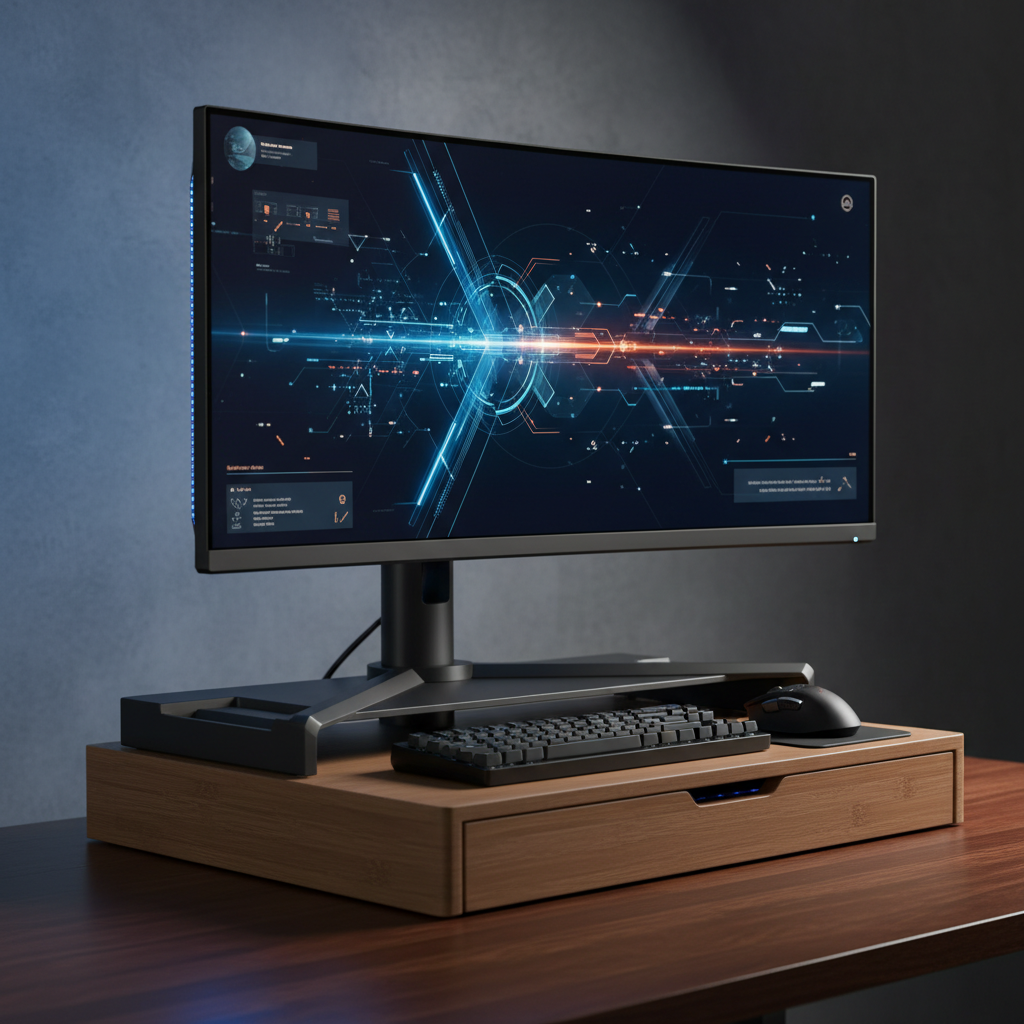
This comprehensive guide evaluates the top monitor stands and risers of 2025 that enhance ergonomics, cable management, and workspace efficiency for gamers and professionals.
In the modern era of remote work and high-fidelity gaming, your desk setup is more than just furniture—it is the cockpit of your productivity. One of the most overlooked components of a healthy workspace is the position of your screen. "Tech neck," eye strain, and poor posture are common ailments for professionals and gamers alike, often caused by looking down at monitors that are positioned too low. The solution is simple yet effective: a high-quality monitor stand or ergonomic riser.
As we move into 2025, the market is flooded with options ranging from premium gas-spring arms to aesthetic wooden shelves. Based on comprehensive research and market insights, we have curated a list of the best desktop monitor stands and risers available today. Whether you need a fully adjustable arm for a dynamic workflow or a sturdy dual-monitor mount for multitasking, this guide has you covered.
If durability and range of motion are your top priorities, the Ergotron LX Pro Monitor Arm is widely considered the gold standard in the premium category. Known for its robust polished aluminum construction, this arm utilizes Constant Force technology to allow for effortless adjustment. Unlike cheaper alternatives that may sag over time, the LX is designed to hold its position indefinitely.
It supports monitors up to 32 inches and weighing up to 20 lbs. The installation process is tool-light, and the arm includes a 10-year warranty, which speaks volumes about the manufacturer's confidence in the product. It allows you to push your display out of the way when not in use, reclaiming valuable desk real estate. For users in small apartments or crowded offices, this flexibility is a game-changer.
For those utilizing a dual-monitor setup on a budget, the VIVO Dual Monitor Desk Mount is the undisputed king of value. With over 20,000 reviews and a high average rating, this heavy-duty steel mount proves that you do not need to spend a fortune to get an ergonomic setup. It replaces clunky stock stands with a single central pole and two adjustable arms.
The STAND-V002 fits screens from 13 to 27 inches and supports up to 19.8 lbs per arm. It features integrated cable management clips to keep cords organized and offers 360-degree rotation, allowing for landscape or portrait orientation. While it lacks the gas-spring fluid movement of premium arms, its sturdiness and ease of assembly make it a favorite for static setups where screens don't need to be moved constantly.
Not every ergonomic solution needs to be a mechanical arm. For creative professionals and minimalists who prioritize aesthetics alongside function, the Grovemade Desk Shelf is a stunning choice. Handcrafted in the USA using premium materials like walnut plywood and cork, this riser adds a layer of sophistication to any workspace.
Beyond its looks, the shelf is highly functional. It raises your monitor to eye level to improve posture and provides a dedicated space underneath for stowing keyboards, mice, or other accessories. It is built to support up to 200 lbs, meaning it can easily handle heavy iMacs or large ultrawide monitors. While it sits at a premium price point, the craftsmanship and organizational benefits make it a worthy centerpiece for a high-end desk setup.
The Monoprice Workstream is a fantastic mid-range option that balances cost with heavy-duty performance. It is particularly noted for its ability to handle larger screens, supporting ultrawide monitors from 32 to 49 inches. If you have a massive curved display for immersive gaming or video editing, this mount provides the stability you need.
Installation is remarkably fast, taking roughly five minutes to clamp onto a desk. Users report an immediate improvement in posture, sitting up straighter rather than slouching. The arm frees up desktop space that stock stands usually occupy, making it a practical upgrade for anyone feeling cramped. Given its affordable price tag relative to its weight capacity, it is a smart investment for heavy-monitor users.
For those who want to take ergonomics a step further by incorporating standing into their routine, the VariDesk Pro Plus 36 is the premier standing desk converter. Unlike a simple riser, this unit sits on top of your existing desk and features a spring-loaded lift mechanism that allows you to switch between sitting and standing in seconds.
The two-tier design provides a top level for up to two monitors and a lower deck for your keyboard and mouse. It arrives fully assembled, requiring no complex installation. While it is bulkier than a standard arm or shelf, the health benefits of varying your position throughout the work day can lead to increased energy and reduced back pain.
Before purchasing a monitor stand or riser, there are several key technical specifications to consider to ensure compatibility and stability.
Investing in the right ergonomic equipment is an investment in your health and workflow. Whether you choose the precision of the Ergotron LX, the utility of the VIVO Dual Stand, or the elegance of the Grovemade Desk Shelf, elevating your monitor is the first step toward a more comfortable and productive 2025.
