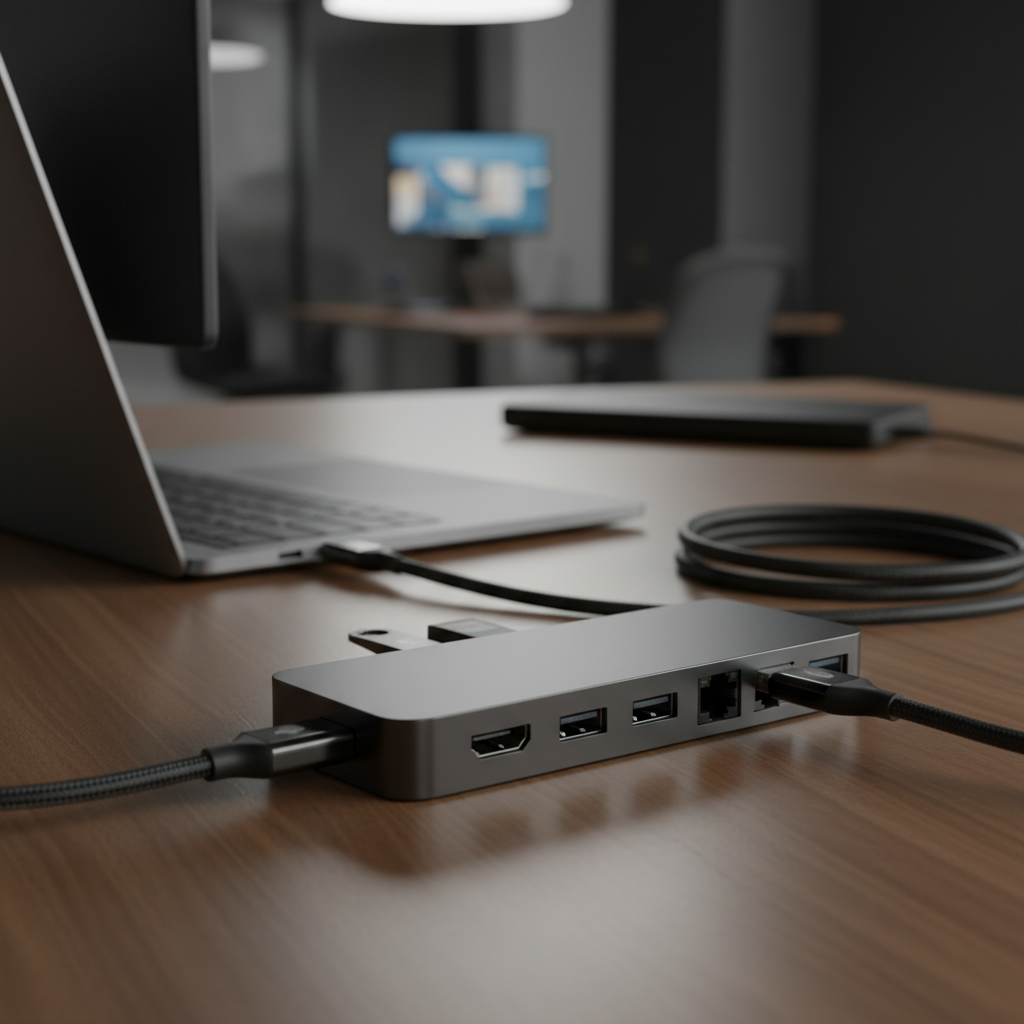
This comprehensive guide compares the top USB-C hubs and multiport docking solutions designed to expand connectivity options for laptops, featuring various port configurations for different user needs and budgets.
In the relentless pursuit of thinner, lighter, and more streamlined laptops, manufacturers have increasingly sacrificed one of the most crucial elements: ports. If you've recently purchased a new machine, you've likely found yourself with a couple of USB-C ports and not much else. This is where a USB-C hub or multiport adapter becomes not just a convenience, but an essential tool for students, professionals, and creatives alike. These compact devices unlock your laptop's full potential, allowing you to connect everything from external monitors and keyboards to SD cards and wired internet, all through a single port.
It's important to distinguish between a USB-C hub and a full-fledged docking station. Hubs are generally more portable, feature between four and ten ports, support pass-through charging, and are relatively affordable. Docking stations are larger, desk-bound solutions with more ports and their own power supply, commanding a higher price. This guide focuses on the best USB-C hubs that offer the perfect balance of portability, functionality, and value for 2025.
For the vast majority of users, the Anker 341 7-in-1 hub is the perfect do-it-all solution. It strikes an excellent balance between port selection, performance, and price, making it ideal for home office workers, students, and travelers. Anker's reputation for quality is on full display here, providing all the essential ports you need without any unnecessary fluff. The inclusion of a dedicated USB-C data port is a thoughtful touch, ensuring you don't lose a valuable port on your laptop just to expand your connectivity.
- Ports: 2x USB-A 3.0, 1x USB-C Power Delivery, 1x USB-C Data, 1x 4K HDMI, 1x microSD card slot, 1x standard SD card slot.
- Power Delivery: Up to 100W pass-through charging (85W output to laptop).
- Data Transfer: Up to 5 Gbps via USB-A and USB-C data ports.
- Price: ~$39.99
Find it on Amazon: Anker 341 USB-C Hub (7-in-1)
If you're a creative professional or a power user who demands cutting-edge performance, the Satechi V3 adapter is built for you. Its headline feature is support for an 8K HDMI 2.1 display (on compatible Windows machines), making it future-proof for next-generation monitors. Beyond that, it boasts blazing-fast 10Gbps USB-C data ports and a reliable Gigabit Ethernet connection, all wrapped in a sleek aluminum chassis that perfectly complements premium laptops like the MacBook Pro. It's a premium investment for those who need the best.
- Ports: 1x 8K HDMI 2.1, 1x Gigabit Ethernet, 2x USB-C 3.2 Gen 2 (10Gbps), 1x USB-C Power Delivery, 1x SD card slot.
- Power Delivery: 100W input with up to 85W output to host device.
- Display Support: Up to 8K/30Hz on Windows, 4K/60Hz on Mac.
- Price: ~$99.99
Find it on Amazon: Satechi USB-C Multiport Adapter 8K V3
For those who refuse to compromise, the EZQuest 10-in-1 hub packs an incredible amount of connectivity into one device. This hub is designed to be the centerpiece of a versatile workstation, offering high-speed data ports, reliable networking, and even a 3.5mm audio jack for headphones or microphones. Its unique extended 11-inch cable is a practical design choice, allowing the hub to lie flat on your desk instead of dangling awkwardly from your laptop. With two USB-C Gen 2 ports delivering 10Gbps speeds, it's ready for fast external SSDs and other demanding peripherals.
- Ports: 2x USB-C Gen 2 (10Gbps), 2x USB-A 3.0, 1x USB-C Power Delivery, 1x Gigabit Ethernet, 1x 4K HDMI, 1x SD card reader, 1x Micro SD card reader, 1x 3.5mm Audio Jack.
- Power Delivery: 100W input with up to 88W output.
- Build: Durable aluminum housing with a braided, extended 11-inch cable.
Find it on Amazon: EZQuest USB-C Multimedia 10-in-1 Gen 2 Hub
When you need to connect everything at once, the UGREEN Revodok Pro 210 is your answer. This 10-in-1 beast is for the user who wants a desktop-class experience from their laptop, supporting dual 4K monitors for an expansive workspace. With a mix of three USB-A ports, two USB-C ports, and both SD and microSD card slots, you'll rarely find yourself needing an adapter. It’s a competitively priced powerhouse that transforms a single USB-C port into a full-fledged workstation hub.
- Ports: 2x HDMI, 3x USB-A, 2x USB-C (1x PD, 1x Data), 1x Gigabit Ethernet, 1x SD card slot, 1x microSD card slot.
- Power Delivery: 100W input with 85W pass-through charging.
- Display Support: Dual 4K/30Hz monitors or a single 8K/30Hz monitor.
- Price: ~$50
Find it on Amazon: UGREEN Revodok Pro 210 10-in-1
When you're on the move, size and weight matter. The UGREEN Revodok Pro 6-in-1 is built for portability without sacrificing core functionality. Its sleek and lightweight aluminum casing makes it easy to slip into any laptop bag, while still providing high-speed 10Gbps data ports and 4K 60Hz video output. It's the ideal choice for digital nomads, students who work across campus, or professionals who frequently present on the go. While it omits an Ethernet port, its focus on speed and compactness makes it a winner for travel.
- Ports: 1x USB-C 3.2 (10Gbps), 1x USB-A 3.2 (10Gbps), 1x 4K 60Hz HDMI, 1x USB-C Power Delivery.
- Power Delivery: Up to 100W pass-through.
- Design: Compact and lightweight aluminum construction, ideal for travel.
Find it on Amazon: UGREEN Revodok Pro 6-in-1
With so many options, picking the right hub can be daunting. Focus on these key areas to match a hub to your specific needs.
This feature allows you to charge your laptop through the hub itself. Check your laptop's power requirements. A 60W hub is fine for ultrabooks like a MacBook Air, but for a 15-inch or 16-inch MacBook Pro, you'll want a hub that supports 85-100W pass-through charging to ensure it powers up at full speed.
Do you plan to connect an external monitor? Most hubs offer 4K resolution at a 30Hz refresh rate, which is fine for office work. However, for a smoother experience, look for hubs that support 4K at 60Hz. Creatives and gamers might even consider future-proofing with an 8K-capable hub like the Satechi model.
Pay attention to the port speeds. USB 2.0 (480Mbps) is fine for a mouse or keyboard, but for transferring files from an external SSD or a fast SD card, you need USB 3.0 (5Gbps) or, even better, USB 3.2 Gen 2 (10Gbps). The faster the port, the less time you'll spend waiting for files to copy.
Make a list of the devices you use daily. Do you need an SD card reader for photography? A Gigabit Ethernet port for stable internet in an office? A 3.5mm audio jack for wired headphones? Choose a hub that has the specific ports you'll actually use to avoid paying for features you don't need.
A USB-C hub is an indispensable accessory in 2025. It bridges the gap between our powerful, minimalist laptops and the diverse ecosystem of peripherals we rely on. For most people, the Anker 341 7-in-1 Hub offers an unbeatable combination of essential ports, reliable performance, and value. However, if your workflow demands higher speeds and cutting-edge display support, the Satechi 8K V3 Adapter is a worthy premium upgrade. By evaluating your daily needs against key factors like power delivery, video output, and port selection, you can find the perfect hub to supercharge your productivity.
